Forever Christmas
Forever Christmas app icon

Christmas music,
all year round.

Forever Christmas plays only Christmas songs from Apple Music, inside cozy animated scenes that glow, twinkle and snow.

Coming soon to theApp Store
  • iPhone
  • iPad
  • iPhone Duo
  • Arriving December 2026

Christmas, wherever you look.

Scroll to see Forever Christmas on your phone, your nightstand and your iPad.

My Favorites
New Christmas Music

45days to
Christmas
▶ Christmas Radio
HomeBrowseLibrarySearch
Silent Night
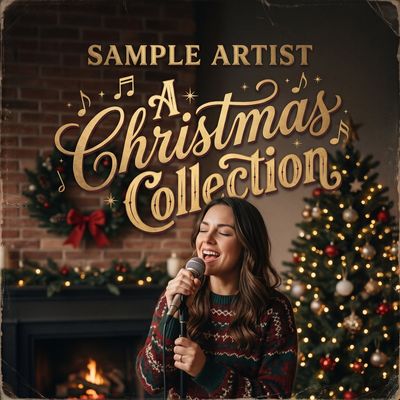
Sample Artist
★
⇄⏮❚❚⏭↻
Have Yourself a Merry Little Christmas
Classic Crooners
⏮❚❚⏭
8:42❄︎ −3° Light snow
45days to Christmas
8:4245 days to Christmas
45
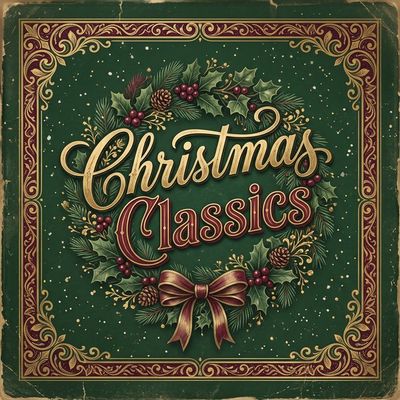
Christmas Classics
Deck the Halls
⏮❚❚⏭
45▶ Radio
45
45
Home

Only Christmas. Only the good stuff.

Connect Apple Music and everything is filtered down to Christmas: playlists, new releases, your library and search. One tap starts Christmas Radio.

Player

Your song, in your scene.

The player sits in front of the scene you picked, with snow falling and lights twinkling. Star the songs you love; they're saved to Apple Music too.

Turn your phone

Sideways, the scene opens up.

Hold your iPhone in landscape and the scene fills one side, with the controls in a column beside it.

Full screen

A window onto Christmas.

Hide the controls and let the scene play, with the clock, the local weather and the countdown in the corner. Perfect on a TV with AirPlay.

StandBy

On your nightstand.

Dock your iPhone sideways while it charges and StandBy shows your scene and the days to Christmas next to a big clock.

iPad & iPhone Duo

Bigger screens, bigger scenes.

On iPad and the foldable iPhone Duo, the whole scene stays on screen with a compact glass player you can tuck away.

Widgets

Christmas on your Home Screen.

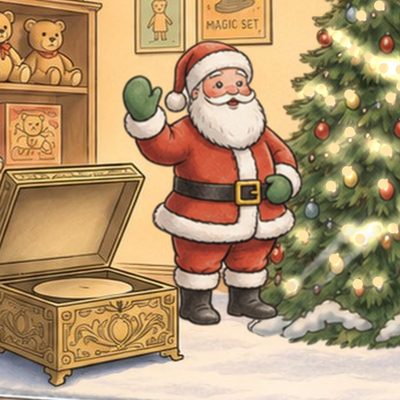
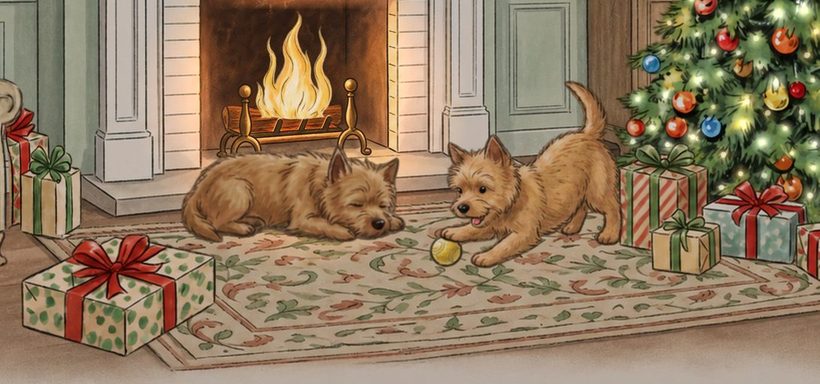
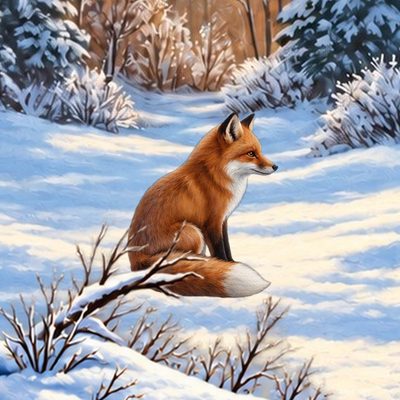
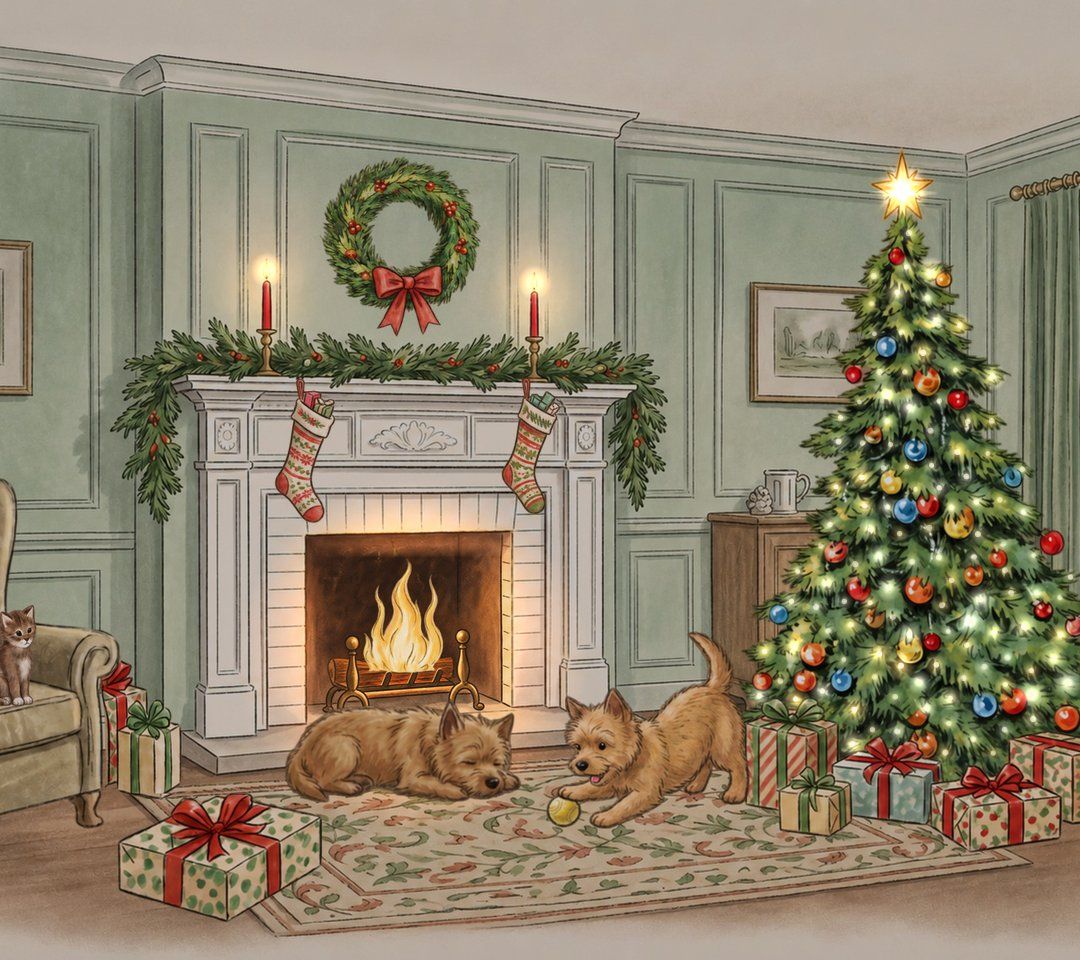
Small, medium and large widgets with a whole scene or a close-up: Santa, the fox, the dogs by the fire. Count down the days and start the radio right from the widget.

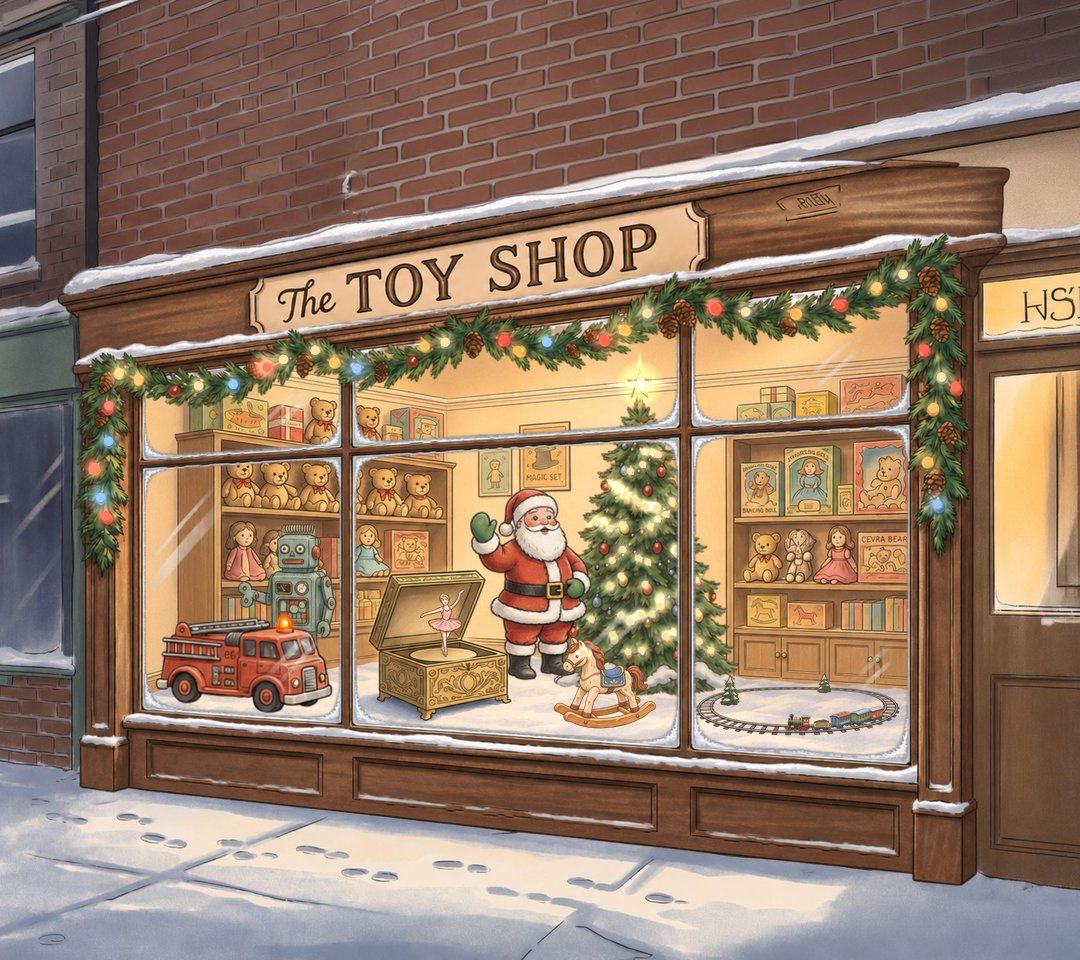
Pick your Christmas.

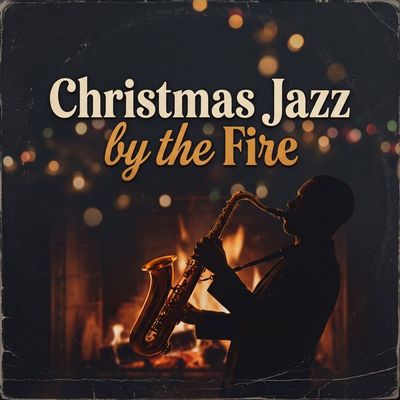
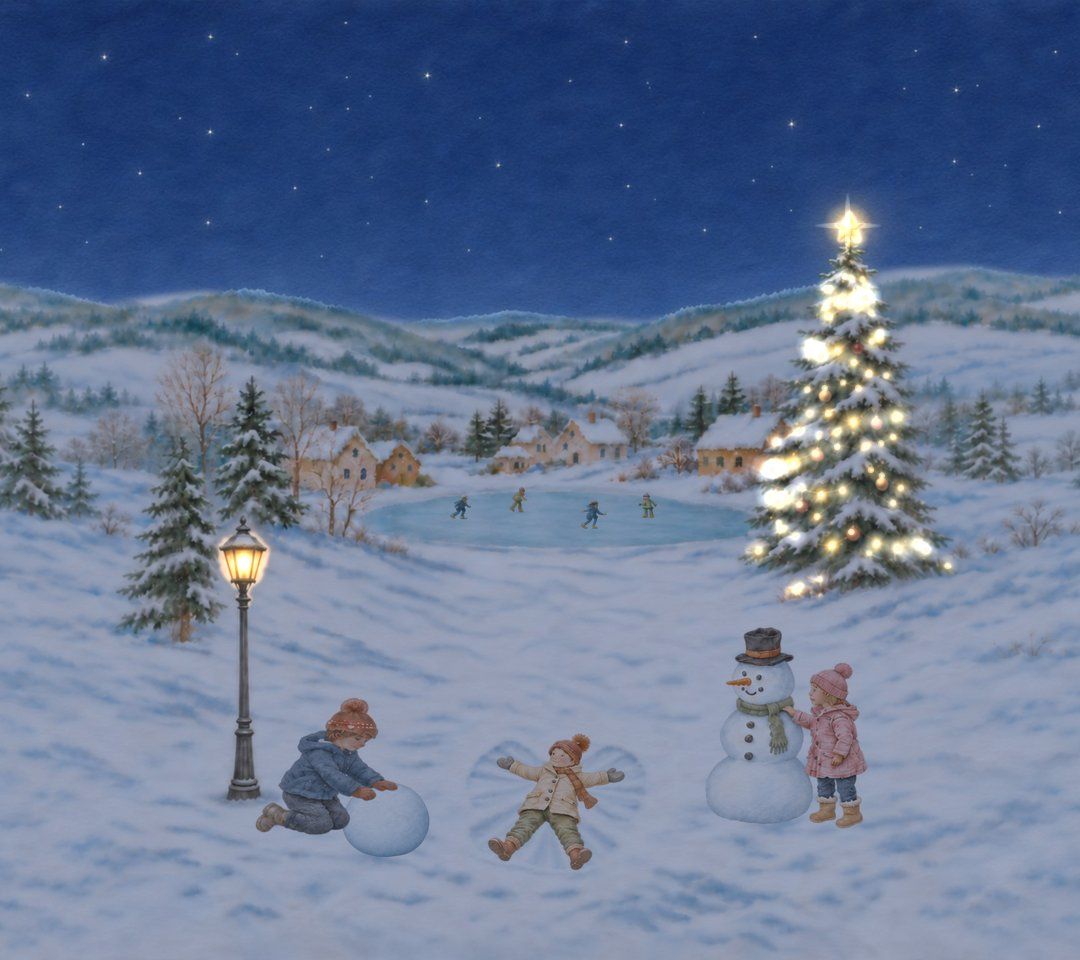
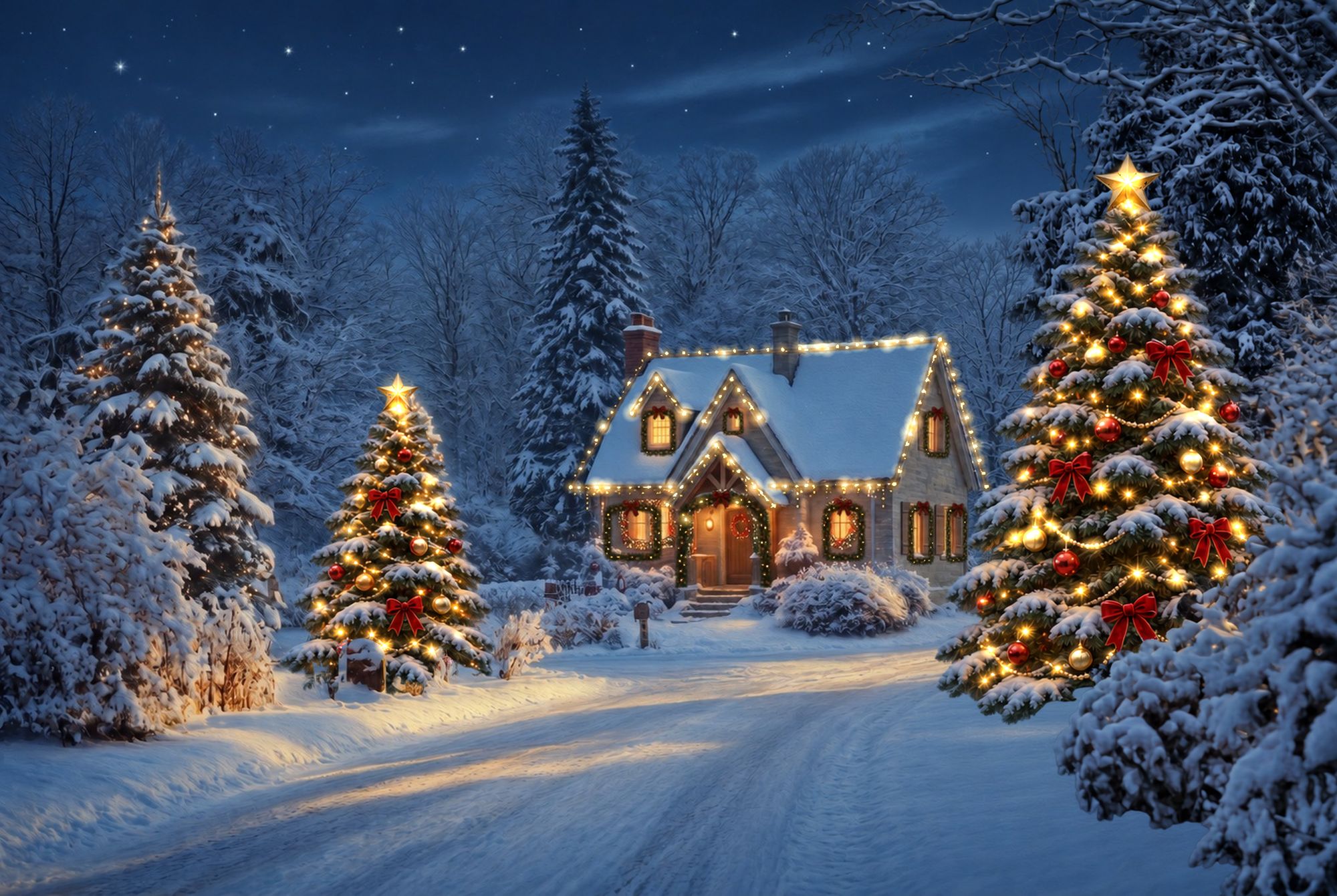
Every scene is hand-painted and gently animated: smoke from the chimney, toys in the window, animals in the snow.

A cozy home for your music.

Your scene stays with you everywhere: on Home, in the player and in full screen.

Home screen with countdown and playlists
Player in front of a Christmas scene
My Library with Christmas playlists
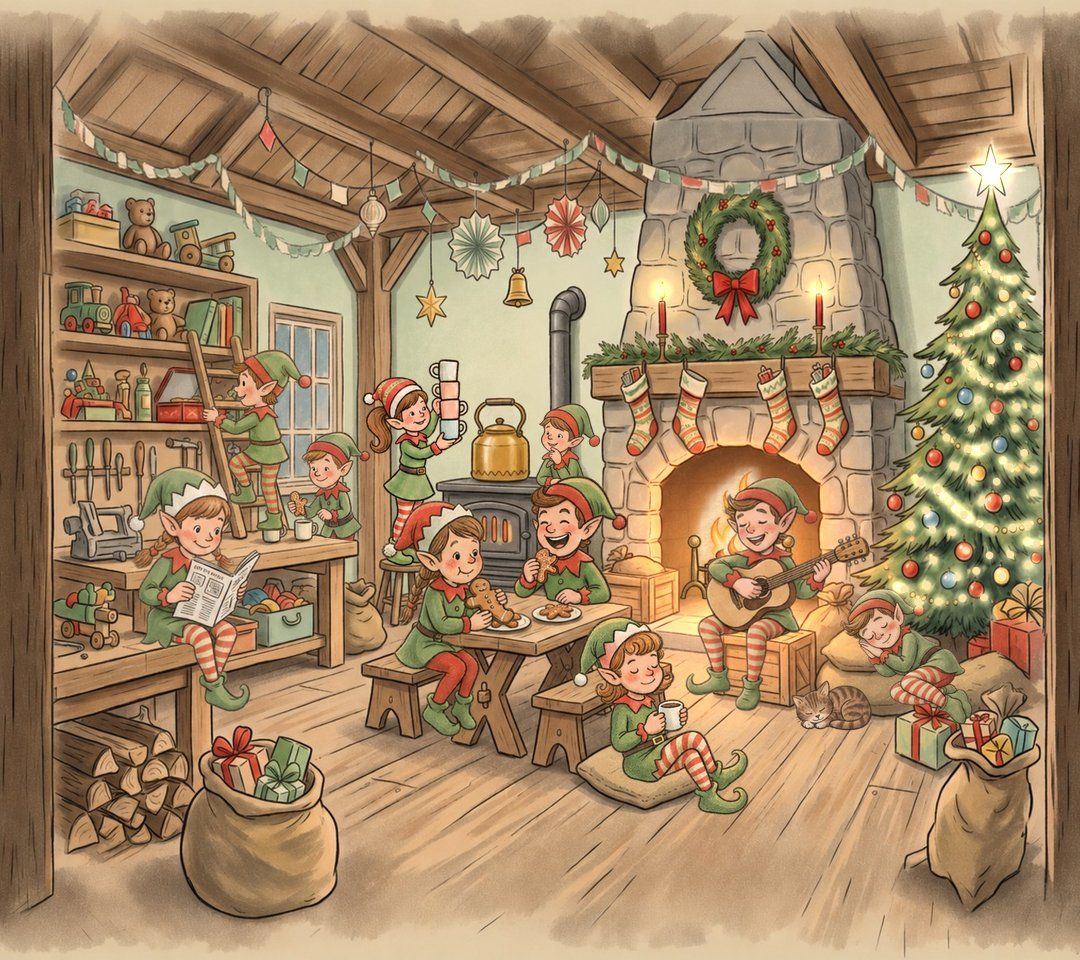
Elves relaxing in their workshop

Fresh every season.

See this year's new Christmas releases and Apple Music's holiday picks, without the noise.

  • New Christmas music, filtered for quality
  • Recently played playlists and songs
  • Share a song card with your scene
  • English and French

Questions

Still stuck? Get in touch.

Do I need Apple Music?

Yes. Forever Christmas plays music through Apple Music, so you need an active Apple Music subscription. Without one you can still browse, but songs won't play.

Which devices does it work on?

iPhone, iPad and iPhone Duo, running iOS 18 or later.

Why don't some of my playlists show up?

Forever Christmas only shows Christmas playlists: ones with Christmas, Xmas, Holiday or Noël in the name or description, plus any playlist you made in the app.

My library songs aren't showing.

Turn on Sync Library in Settings › Apps › Music, then reopen Forever Christmas. Only Christmas songs from your library are shown.

Does starring a song add it to my library?

No. A star marks the song as a favourite in Apple Music and adds it to Favorite Songs in the app. Use Add to Library from the song's menu to add it to your library.

How do I add the widget?

Touch and hold your Home Screen, tap Edit › Add Widget, and choose Forever Christmas. Touch and hold the widget and tap Edit Widget to pick a scene.

Music stopped or won't start.

Check you're signed in to Apple Music and online, then tap play again. If it still won't play, close and reopen the app.

Is my data collected?

No. Everything stays on your device. See the privacy policy.

Forever Christmas app icon

Make it Christmas.

Forever Christmas needs an Apple Music subscription to play songs.

Coming soon to theApp Store